Ship terms glossary
Search all 63 registered exterior, structure, piping, machinery, and electrical terms and open each exact 3D selection.
Search the glossaryFree interactive study resource
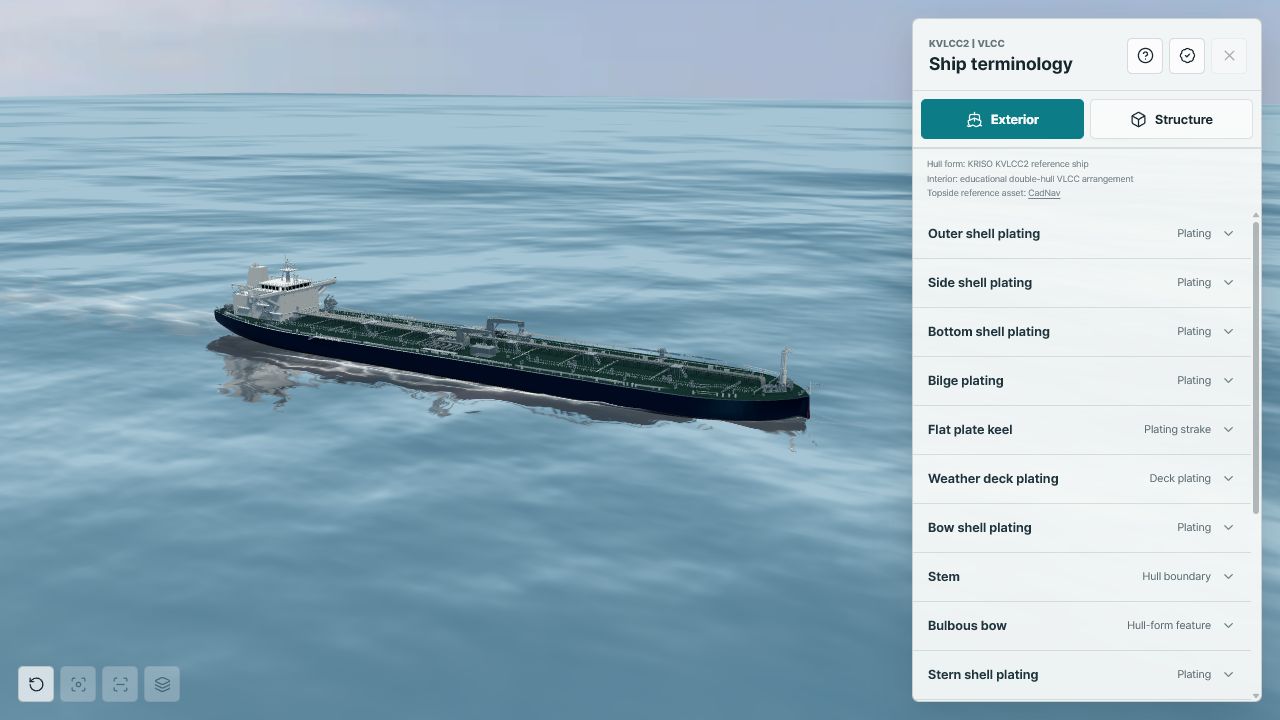
Learn how a large double-hull tanker is shaped, subdivided, propelled, and served by its principal systems. Each lesson opens the matching object in the HullStudy 3D model so terminology and physical location stay connected.
Suggested sequence
Begin with the visible hull, then move inward from structure to systems.
Identify shell plating, stem, bulbous bow, bilge, flat plate keel, stern shell, propeller, and rudder. Rotate below the waterline to understand how the bottom and bilge flow into the bow and afterbody.
Follow the outer shell, inner hull, inner bottom, longitudinal bulkheads, transverse bulkheads, web frames, floors, girders, and stiffeners around cargo and ballast spaces.
Trace functional training routes from tanks to pumps and deck connections. Compare cargo-oil, segregated-ballast, stripping, vent, inert-gas, and fire-main services without treating them as one system.
Study the relationship between the main engine, thrust bearing, intermediate shaft, line-shaft bearing, stern tube, propeller, pumps, generators, access platforms, and maintenance envelopes.
Connect auxiliary generators to the main switchboard, feeders, cable trays, junction boxes, and local consumers. Use the 3D arrangement alongside the training single-line relationship.
For educators
Use location, function, and evidence as a repeatable three-part method. The instructor guide includes learning objectives, timing, prompts, and a concise assessment rubric.
Reference tools
Use the glossary for fast lookup, then review the source register before treating a modeled relationship as ship-specific.
Search all 63 registered exterior, structure, piping, machinery, and electrical terms and open each exact 3D selection.
Search the glossarySee which geometry is public source material, which visual context is licensed, and which systems are educational reconstruction.
Review the evidence registerHow to use the model
The complete registered component or space is highlighted, rather than an unrelated point marker.
Orbit, zoom, pan, use section view, and move the observation centre with the arrow keys.
Review the selection scope, source status, system tag, design record, and educational limitation.
Use the built-in knowledge check to connect terminology, function, and physical location.
Scope and evidence
Primary references
Ready to inspect the ship?